Python
TypeError
Python TypeError: 'NoneType' object is not iterable — Causes & Fix
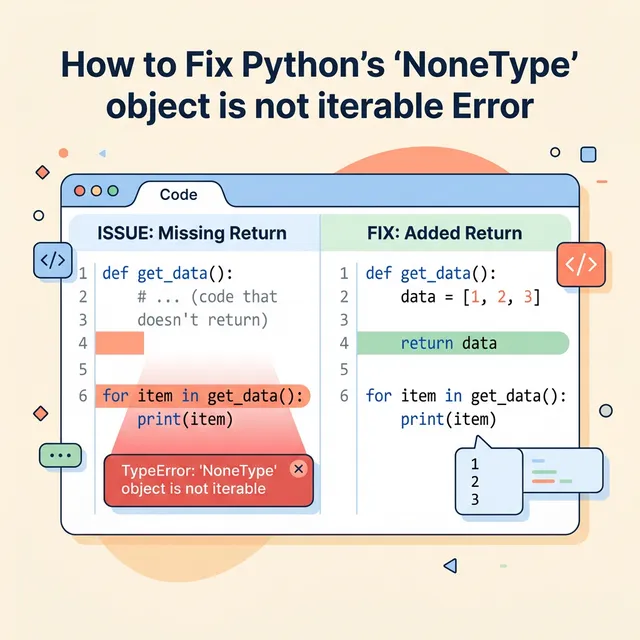
What Does This Error Mean?
Python raises TypeError: 'NoneType' object is not iterable when you try to iterate over None — using a for loop, list(), unpacking, etc. None is not a sequence and has no iterator protocol. The root cause is always a variable holding None when you expected a list, tuple or other iterable.
Common Causes (With Code)
1. A function that returns None (missing return statement)
❌ Causes the error
def get_users():
    users = ["Alice", "Bob"]
    # forgot `return`!

for user in get_users():
    print(user)
# TypeError: 'NoneType' object is not iterable
2. In-place list methods return None
❌ Causes the error
names = ["Charlie", "Alice", "Bob"]
names = names.sort()    # .sort() returns None and sorts in-place

for name in names:      # names is now None
    print(name)
# TypeError: 'NoneType' object is not iterable
3. Database / API call returns None on no result
❌ Causes the error
def fetch_records(query):
    result = db.execute(query)
    # connection fails silently — result is None

for row in fetch_records("SELECT * FROM users"):
    print(row)
# TypeError: 'NoneType' object is not iterable
4. Tuple unpacking from a function that returns None
❌ Causes the error
def get_coords():
    pass   # implicitly returns None

lat, lon = get_coords()
# TypeError: cannot unpack non-iterable NoneType object
How to Fix It
Fix 1 — Add the missing return statement
✅ Correct
def get_users():
    users = ["Alice", "Bob"]
    return users   # ✅

for user in get_users():
    print(user)
# Alice
# Bob
Fix 2 — Don't assign the result of in-place methods
✅ Correct
names = ["Charlie", "Alice", "Bob"]
names.sort()          # sorts in-place, don't reassign
for name in names:
    print(name)
# Alice, Bob, Charlie

# OR use sorted() which returns a NEW list
names = sorted(names)
Fix 3 — Guard against None before iterating
✅ Correct
result = fetch_records("SELECT * FROM users")

for row in (result or []):    # fallback to empty list if None
    print(row)
Fix 4 — Use or to provide a default return value
✅ Correct
def get_coords():
    return (40.4168, -3.7038)   # always return a tuple

lat, lon = get_coords()
print(lat, lon)  # 40.4168 -3.7038
Frequently Asked Questions
How do I quickly check if a variable is None before iterating?
data = some_function()

if data is None:
    print("Got None — check the function logic")
else:
    for item in data:
        print(item)
Using is None (not == None) is the Python-idiomatic way to check for None.
Which built-in methods return None in Python?
All methods that modify objects in-place: list.sort(), list.append(), list.extend(), list.reverse(), dict.update(). Never reassign their return value — use the variable directly after calling them.